Pulse board at a glance
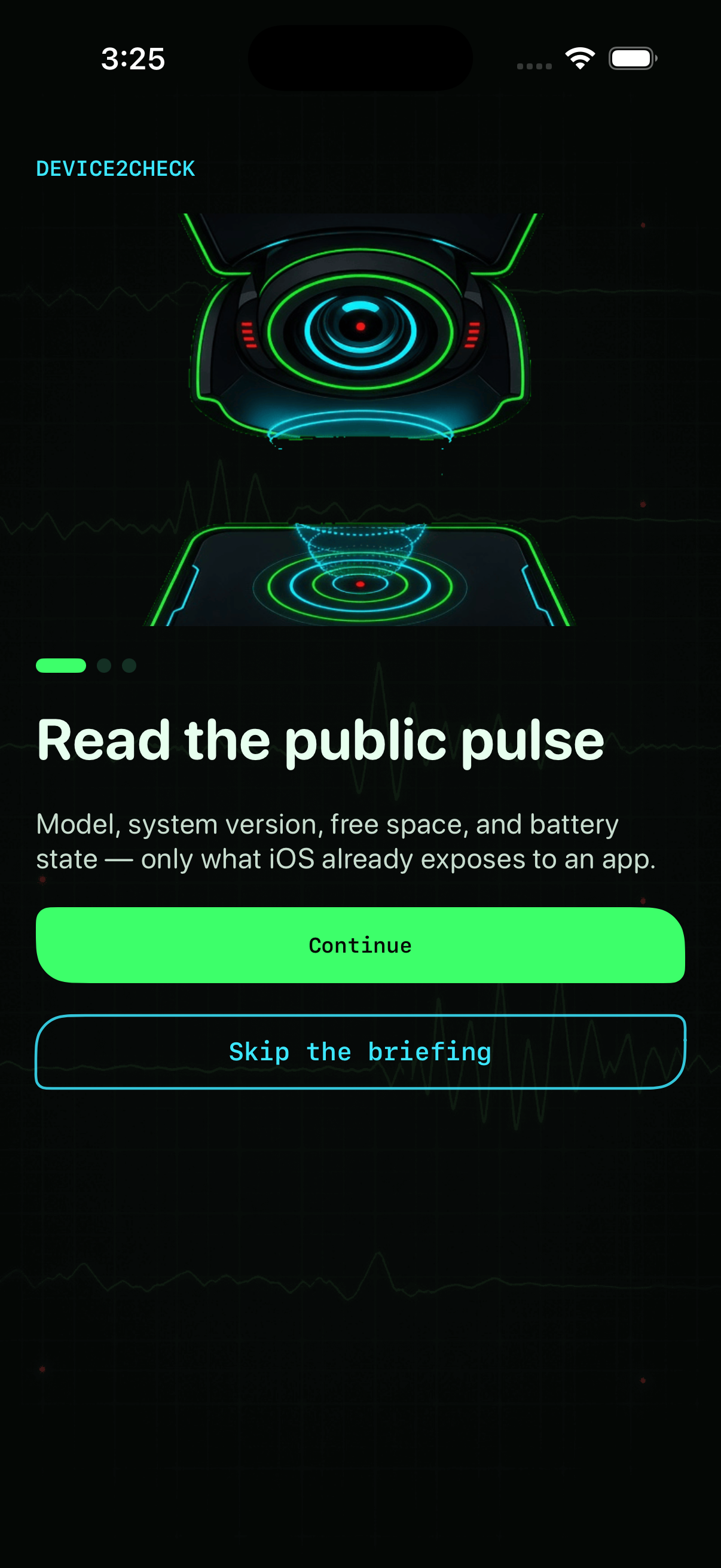
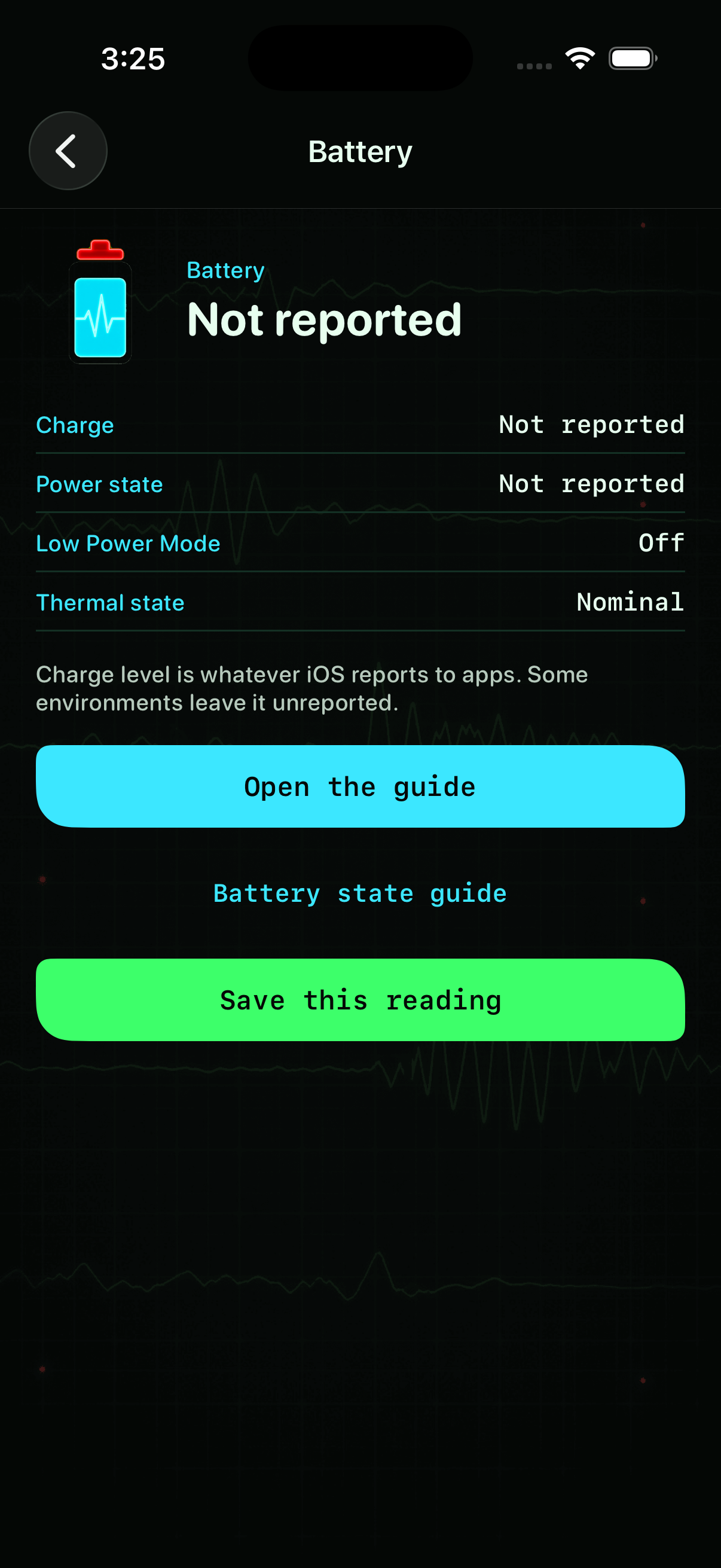
Hardware, battery, and storage tiles refresh from public APIs so you see model name, iOS version, free space, and charge state without digging through Settings.
Instrument panel
Read model, battery, storage, and network facts iOS already shares—one honest instrument panel, not a hidden system sweep.
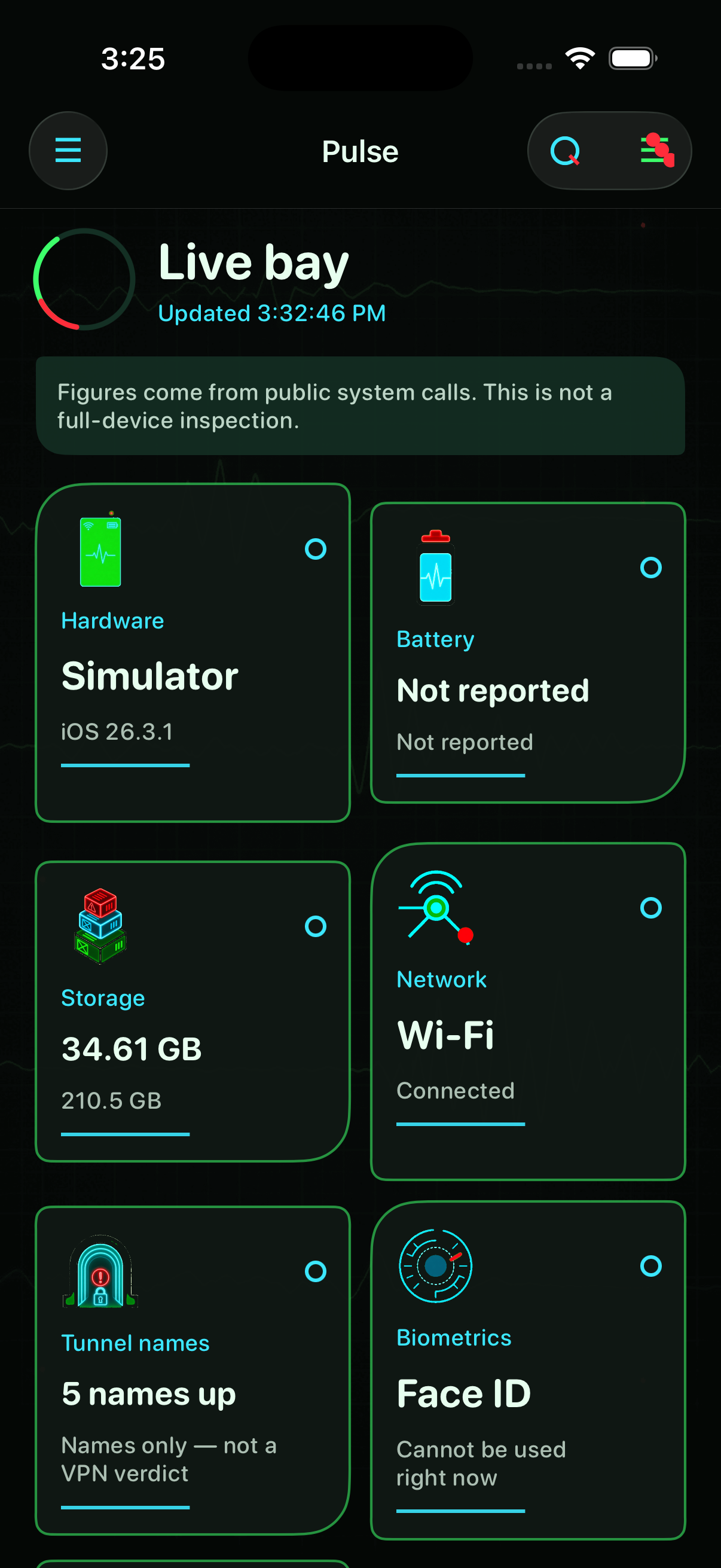
Each tile opens a focused lens—network path, biometrics, or this app’s permissions—without pretending to scan hidden corners.
Hardware, battery, and storage tiles refresh from public APIs so you see model name, iOS version, free space, and charge state without digging through Settings.
Open Network, Biometrics, or This app’s access when you need one topic—each lens explains what iOS can and cannot reveal to an installed app.
Save a snapshot before trade-in or repair, revisit stamps on a timeline, and clear the ledger anytime from preferences—readings stay on your device.
Briefing sets expectations; the pulse board and battery lens show live readings in the workshop layout.